
AI Cold Email Outreach: How to Stay Human & In Control
AI can write hundreds of cold emails, but it can also make you sound like a robot. Here's a practical guide to using AI for outreach without losing control or your human touch.
Try Rhinon Tech free
The Uncanny Valley of AI Outreach
The biggest risk with AI cold email outreach isn't that it will get your domain blacklisted (though it can). The real risk is that you'll spend weeks setting up a system that produces perfectly grammatical, highly personalized, and completely soulless emails that get zero replies.
Prospects are getting smarter. They can smell a template a mile away, and they're quickly learning to spot the uncanny valley of AI personalization. You've seen these emails: they mention your university or a blog post you wrote three years ago in a way no real person ever would. It's personalization without relevance, and it feels creepy.
The goal is to start a conversation with a human. An email that sounds like it was written by a sophisticated robot is an instant conversation killer. The trick is to use AI as a tireless research assistant, not as your ghostwriter.
A Practical Workflow for AI Cold Email Outreach
Most articles give you a clean, five-step process that glosses over the messy details. Here’s a workflow that accepts the complexity and puts you, the founder, in the driver's seat. It’s about building a system you can trust.
Step 1: Protect Your Main Domain (Seriously)
Never, ever send cold email campaigns from your primary domain (e.g., @yourcompany.com). One mistake, one bad list, and you could damage your domain's reputation, causing your normal operational emails to your team and customers to land in spam. This is a critical, non-negotiable first step.
- Buy two or three secondary domains. They should be variations of your main domain, like @getyourcompany.com or @yourcompany.team.
- Set up new email inboxes on these domains (e.g., anurag@getyourcompany.com).
- Properly configure the technical basics for each domain: SPF, DKIM, and DMARC records. These are like your email's passport stamps, proving to receiving servers that you are who you say you are.
Step 2: Warm Up Your Inboxes (No Shortcuts)
You can’t take a brand new email account and start sending 100 emails a day. That’s the fastest way to get flagged as a spammer. You need to warm it up by gradually increasing sending volume, which builds a good sender reputation. This takes time.
A proper warmup takes at least two to three weeks. You can do this manually, but it's tedious. Services like Instantly or Smartlead automate this process for a reasonable fee. The goal is to mimic human behavior, slowly ramping up to a safe sending volume of 30-50 emails per inbox per day.
Step 3: Build a Hyper-Specific Lead List
AI cannot fix a bad list. If you feed it a list of 10,000 random contacts, it will write 10,000 mediocre emails. Your results will be terrible. The power of AI is unlocked when you apply it to a small, well-defined group of people who have a problem you can genuinely solve.
Start with a narrow Ideal Customer Profile (ICP). Instead of “tech companies in India,” try “fintech startups in Bengaluru with 20-50 employees that are hiring a Head of Operations.” This level of specificity makes the AI’s research and writing far more relevant. Keep this data clean and organized in a simple CRM so you know who you've contacted and when.
Step 4: Create a 'Sales Memory' for the AI
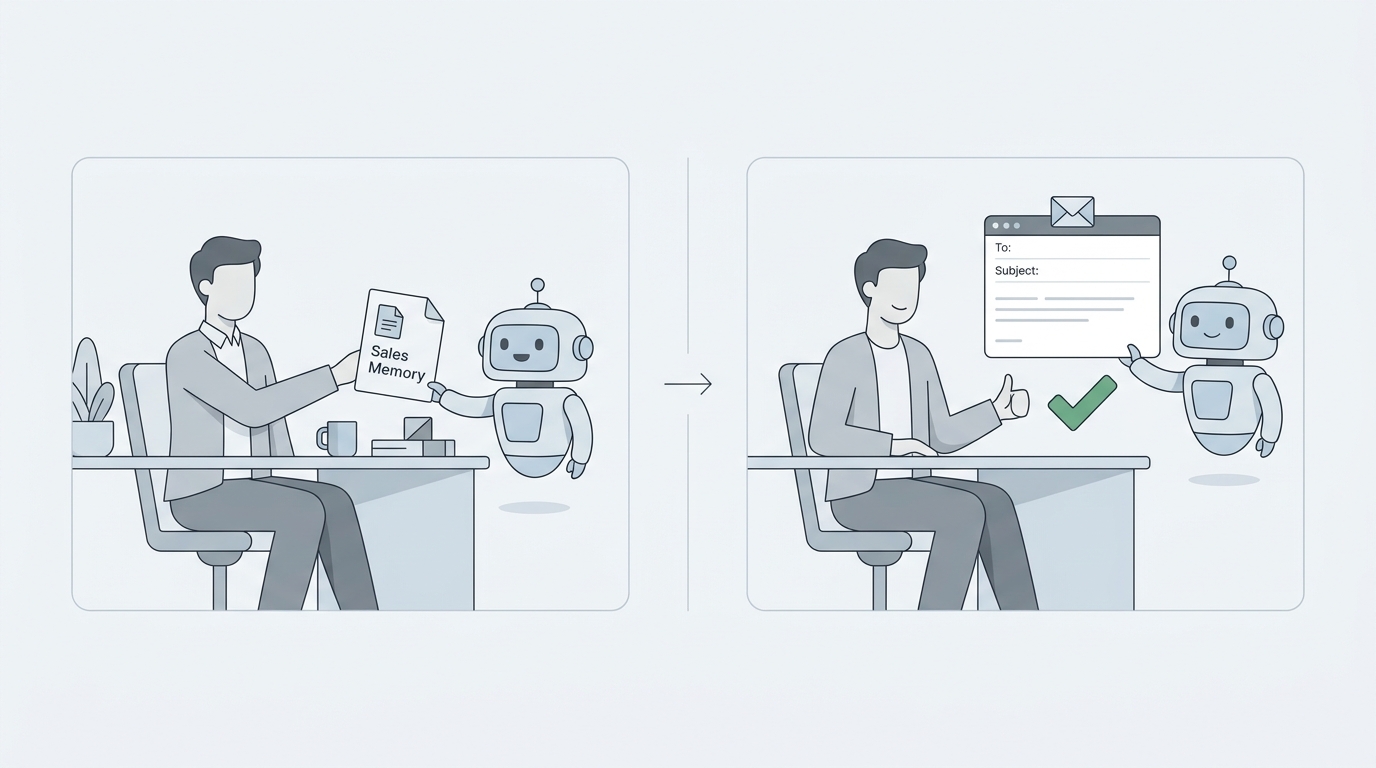
This is where you inject your human expertise. Before the AI writes a single word, you need to teach it how to think like you. When we built this into Rhinon, we called it a “sales memory.” It’s a simple document or set of prompts that guides every draft.
Your sales memory should include:
- Who you sell to: Your ICP from Step 3.
- What problem you solve: Be specific. Not “we improve efficiency,” but “we cut payroll processing time for Indian startups from 4 hours to 15 minutes.”
- How you sound: Is your tone direct, formal, funny, technical? Include a few examples of emails you’ve written that worked well.
- What to look for: Tell the AI to find specific “triggers.” A recent funding announcement, a key hire, a job posting for a role your product helps, or a complaint on social media about a competitor.
Step 5: The Human-in-the-Loop Review
This is the most important step. Nothing should be sent until a person approves it. The ideal workflow is not `AI -> Prospect`. It's `AI -> You -> Prospect`.
A good AI system will read a lead's website and recent news, identify a likely pain point based on your sales memory, and save a draft for you to review. Your job is to spend 30 seconds on each draft to:
- Check for accuracy: AI can “hallucinate” or misinterpret information.
- Adjust the tone: Add a sentence that sounds like you. Fix any awkward phrasing.
- Confirm relevance: Is the personalization trigger actually meaningful, or is it just noise?
This process combines the speed of machine research with the nuance of human judgment. You’re not writing from scratch, you’re editing. This lets you personally approve 100+ highly relevant emails in under an hour.
What to Look for in an AI Outreach Tool
The market is flooded with tools that promise to automate everything. Many of them cost a founder $100-$200 per month just for the sending platform. But features are less important than the underlying philosophy. Look for a tool that prioritizes control and safety.
- Manual Approval Queue: Does the tool force you to review every email before it's sent? If not, avoid it.
- Campaign Controls: Can you set a daily sending limit, choose the specific days and times to send, and easily pause the entire campaign with one click?
- Safety Nets: Does it automatically detect and mark bounces and unsubscribes so you never accidentally email someone twice who asked you to stop?
- Transparent Pricing: Many tools have complex tiers. Reply.io starts around $59/month but its advanced AI features can push the cost much higher. Look for simple pricing.
We built Rhinon Outreach to be part of our free workspace because we needed this for ourselves. It connects an AI email writer to your CRM and shared inbox, with all the manual controls and safety nets built-in. It runs on Google’s Gemini models and is free for your whole team.
AI Isn't Just for the First Email
About 80% of sales require five or more follow-ups. Most teams give up after one or two. This is another area where AI can be a powerful assistant, not just an automaton.
Instead of sending generic “just checking in” or “bumping this up” emails, use the AI to help you add new value in each step of the sequence. For example, you can prompt it to:
- “Write a short follow-up referencing the case study I mentioned in the first email, and ask a question about their current process for [problem].”
- “Find a new piece of news about [company] and write a one-sentence follow-up congratulating them and connecting it to our solution.”
The key is to make every follow-up a valid reason to be in their inbox, not just another piece of noise. Since the average B2B professional gets over 120 emails a day, your message has to earn its place.
Don't Get Fooled by Open Rates
Many platforms brag about open rates, but they are an increasingly unreliable metric due to privacy features like Apple's Mail Privacy Protection. Don't obsess over them.
Focus on the two metrics that matter:
- Reply Rate: This is the ground truth. The average cold email campaign gets a reply rate between 3.4% and 4.2%. A good campaign is anything over 5%. The top 10% of campaigns break 10.7%. This is what you should be aiming for.
- Reply Sentiment: A 10% reply rate of people telling you to get lost is not a success. Pay attention to the *quality* of the replies. Are people asking interested questions? Are they forwarding your email to the right person? This is the best indicator that your message is resonating.
If your reply rate is low, go back to your sales memory and your lead list. The problem is almost always your targeting or your message, not the tool you're using.
Four Mistakes That Will Kill Your Campaign
Even with the best AI, it's easy to make unforced errors. Avoid these common pitfalls.
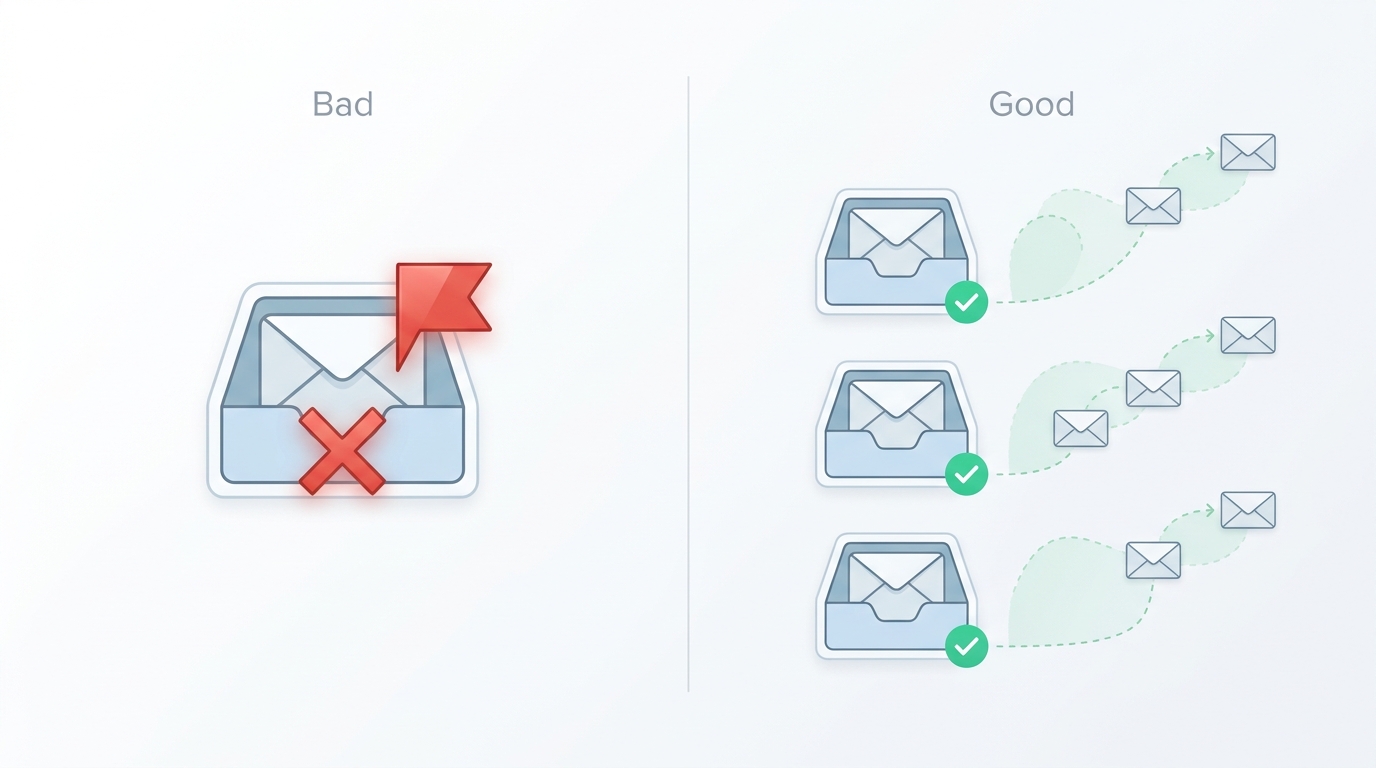
- Scaling Too Quickly: Don't jump from sending 30 emails a day to 300. This sudden spike is a massive spam signal. Increase your volume gradually over weeks.
- Using Trivial Personalization: Mentioning someone's university or hometown is rarely relevant to the business problem you solve. Focus on timely business triggers.
- Including Links in the First Email: Links, especially to landing pages with tracking, can increase your spam score. Save the link for your second or third email, or just put it in your signature.
- Writing Long Emails: Brevity wins. Emails under 80 words consistently perform better. Give the AI a strict word count limit.
The foundation of good outreach hasn't changed. You still need to find the right people, understand their problems, and present a clear, concise solution. AI doesn't replace that work. It just gives you a powerful way to do the research and drafting at a scale that was previously impossible for a small team.
Your first step isn't to buy a tool. It's to write three emails manually to three perfect-fit prospects. Get a reply. Once you know what a good conversation looks like, then use AI to help you start more of them.
FAQ
Frequently asked questions
Is AI cold emailing legal?+
Yes, as long as you comply with regulations like CAN-SPAM in the US and GDPR in Europe. This means providing a clear way to opt-out, not using misleading subject lines, and being transparent about who you are.
Will my emails get flagged as spam if I use AI?+
Your emails are more likely to be flagged for poor sending practices—like not warming up your domain or sending too many at once—than for the use of AI itself. Deliverability fundamentals are more important than how the text was generated.
How much should a small team budget for AI cold email software?+
For a solo founder or a small team, a realistic starting budget is $100-$200 per month. This typically covers a sending platform with AI features and a separate email warm-up service.
Can AI handle replies for me?+
Some advanced tools can categorize replies and even draft responses. However, for a founder or small sales team, it's critical to personally handle all replies to build a genuine connection and gather direct market feedback.
How do I make my AI-generated emails not sound like a robot?+
The key is human oversight. Give the AI a very specific 'sales memory' about your tone, edit its output to add your own personality, and focus the AI on generating personalization from relevant, timely business events, not generic compliments.